A city bought for beads?
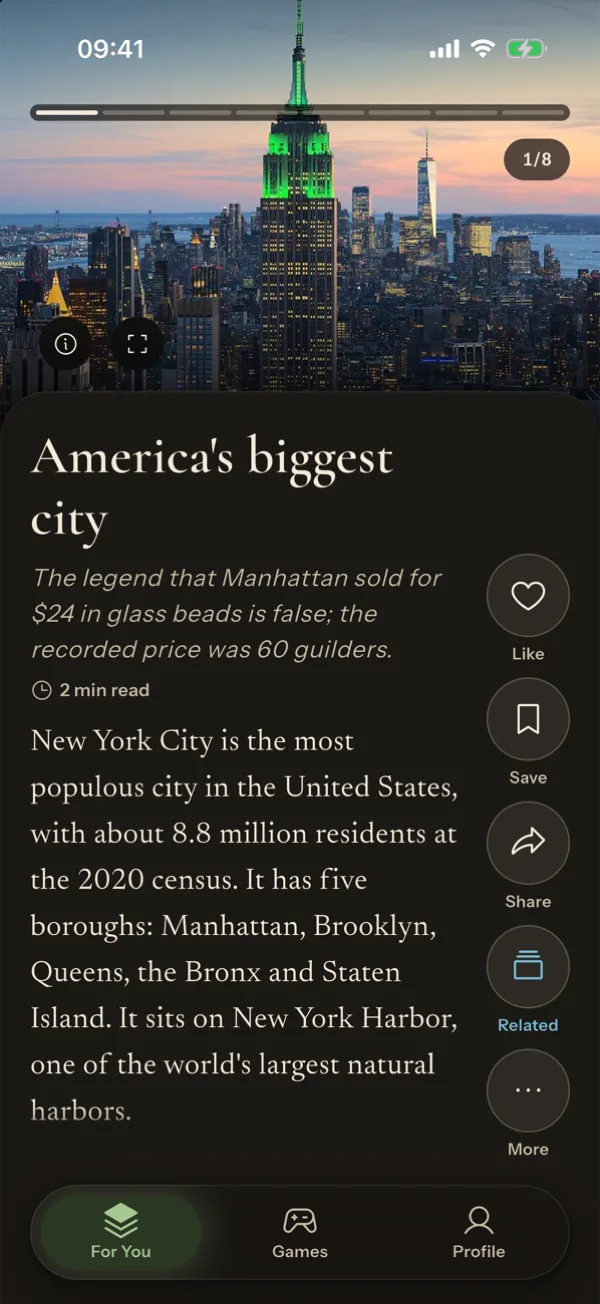
The legend says Manhattan sold for $24 in glass beads. The real record is stranger.
 Coming soon · iPhone & Android
An endless feed where every swipe teaches you something. 100,000+ short, true stories from 19 subjects, a quiz after every read, and 15 brain games.
Not just one topic
Pick the subjects you enjoy during setup and the feed follows them. Browse any subject or sub-topic on its own.
How an article works
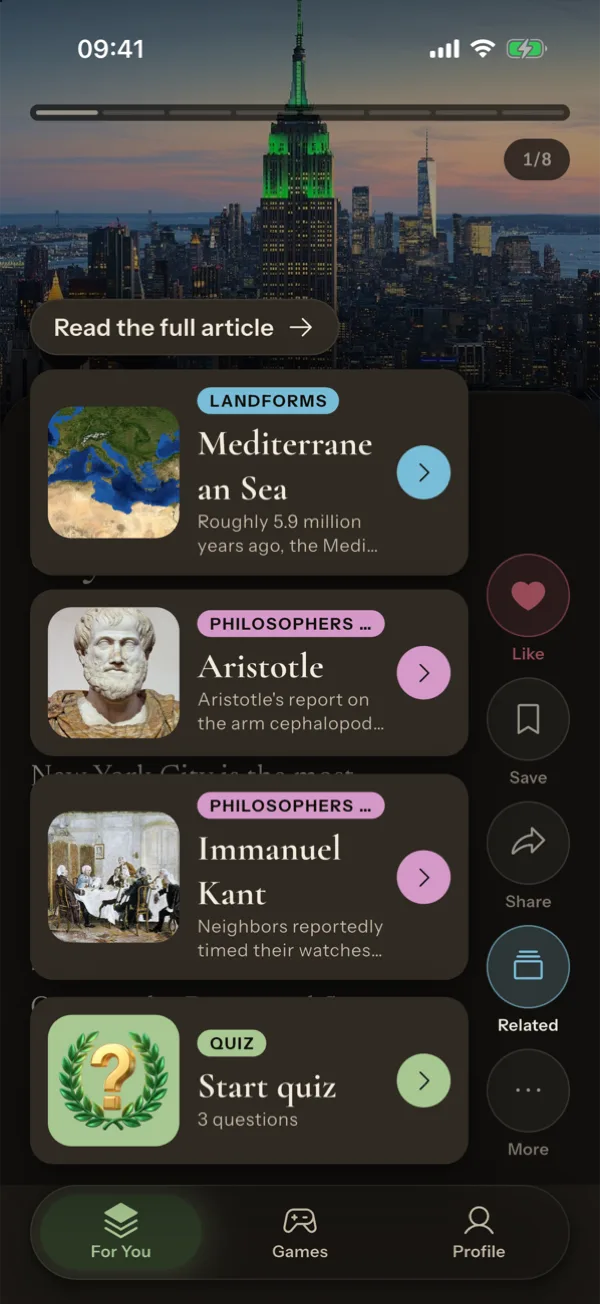
Each article is a short deck of slides: a hook, then facts, quotes, pictures and a takeaway. Swipe up for the next article, sideways through its slides. Tap a highlighted word for its meaning.
The legend says Manhattan sold for $24 in glass beads. The real record is stranger.
Inside the app
Swipe up for the next article, sideways through its illustrated slides. Each one is a complete idea in a few minutes.
History, science, people, places, crime, art, the mind and more. Pick what you enjoy and your feed follows it.
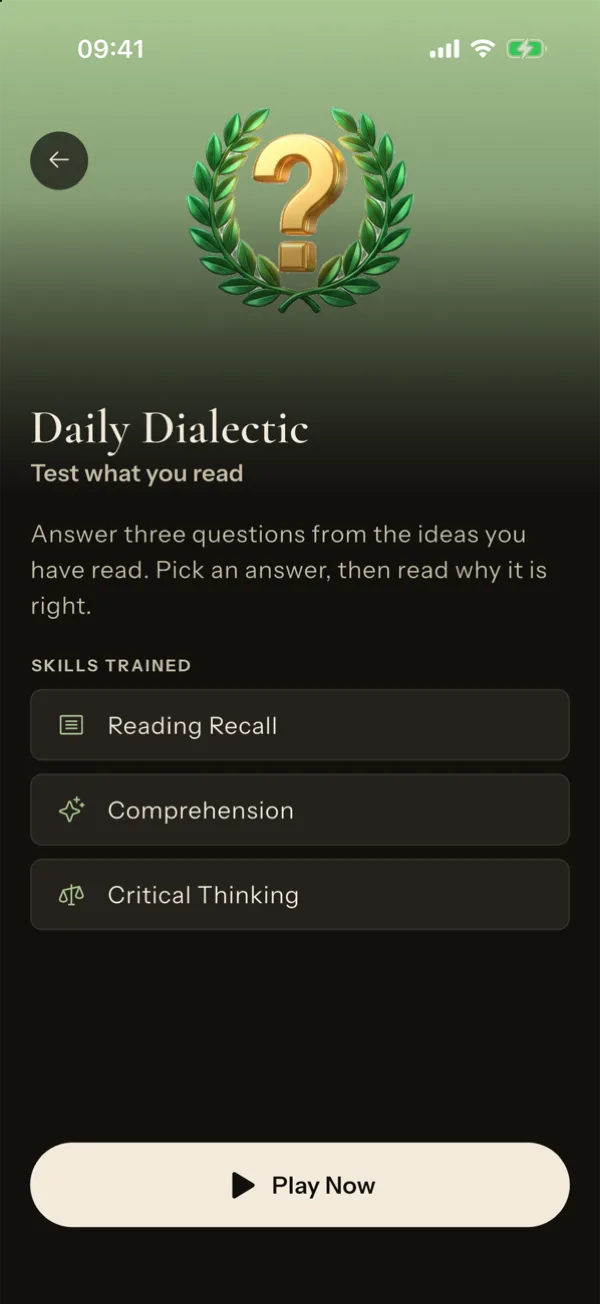
Check what stuck with a short quiz, plus a daily quiz that brings back questions from earlier reads.
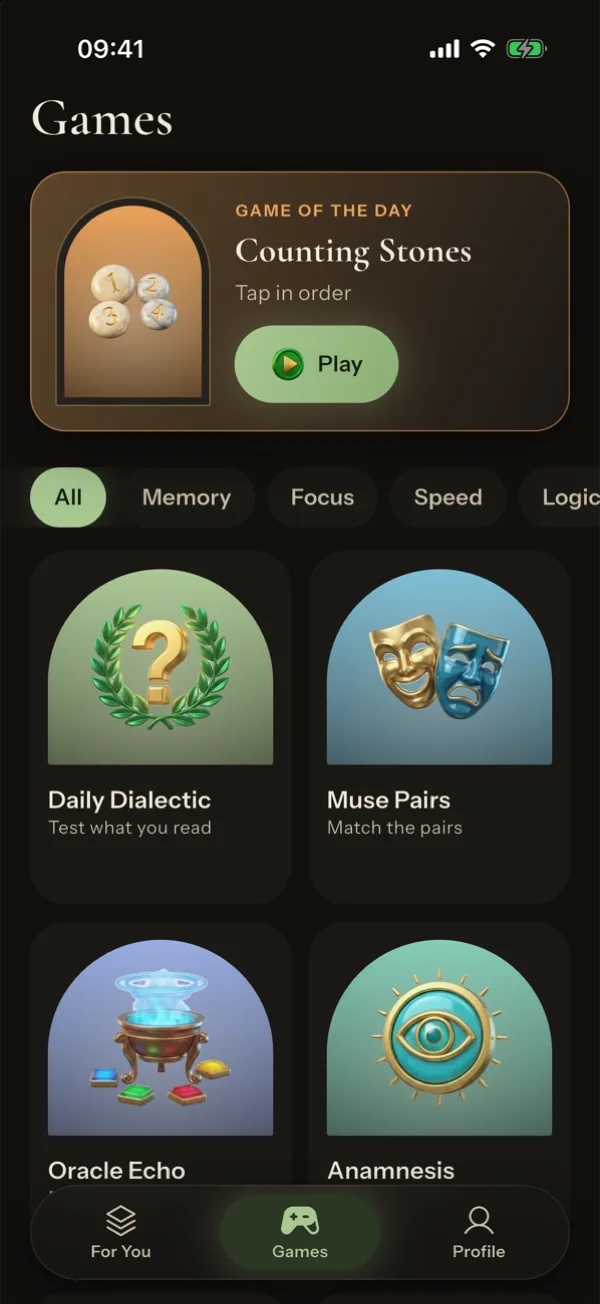
Memory, focus, speed, logic, language and math. Every run ends with a results screen and earns XP.
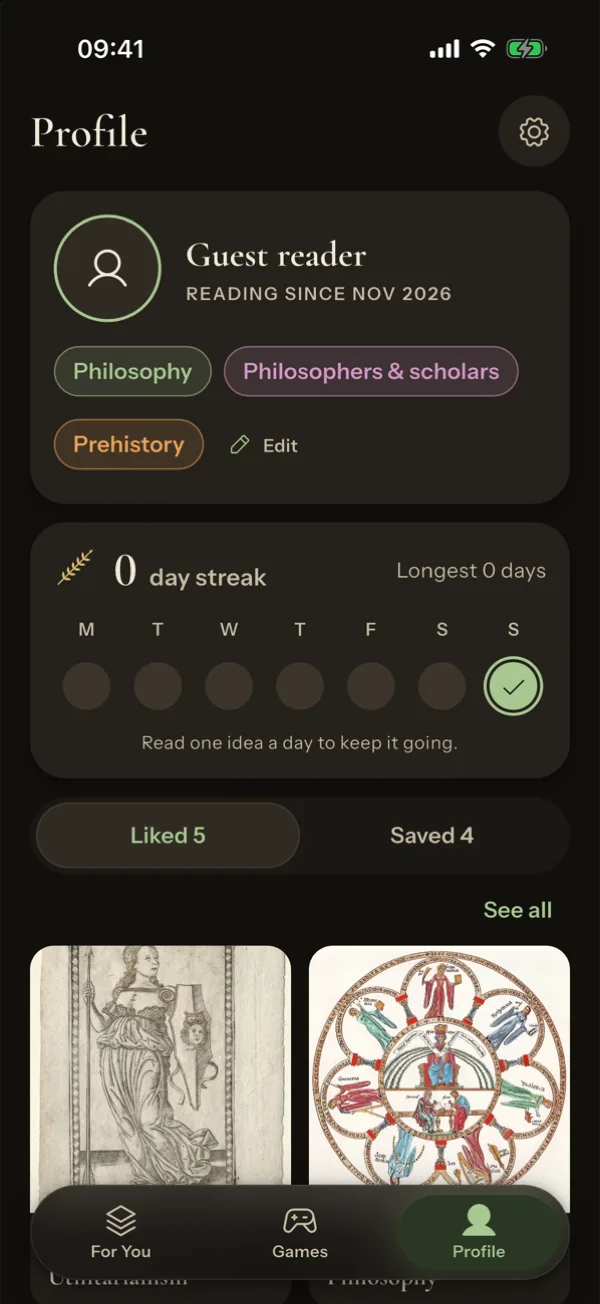
A daily article, a reading streak, a home screen widget and an optional reminder at the time you choose.
Every article links to its source page and licence, and every image is credited to its author.
Quizzes and brain games
Every article ends with a short quiz, and a daily quiz brings back questions from earlier reads. The Games tab holds 15 short brain games for memory, focus, speed, logic, language and math. Each run ends with results and XP.
Screens
Painted fine-art backgrounds and classic serif type. Dark, light or system theme.
A daily habit
On the home screen widget too. Keep a reading streak and set a reminder at the time that suits you, or none at all.
Read anywhere
Articles on your phone stay readable without a connection, so a flight or a tunnel is no reason to stop.
Start right away
Sign in with Apple or Google later in Settings if you want a backup or a second device.
Sources you can check
Articles are adapted and shortened from Wikipedia with AI assistance, then checked against the original text. Every article links to its source page and licence (CC BY-SA 4.0), and every image is credited to its author. Spot a mistake? Tap Report on any article. Not endorsed by or affiliated with the Wikimedia Foundation.
A short, true story is waiting. Coming soon to iPhone and Android.
Questions
No. The feed covers 19 subjects: history, dark history, war, people, the sciences, mathematics, technology, geography, society, economics, everyday life, psychology, health, arts, philosophy and religion, crime, the paranormal and more.
No. You can start reading straight away. If you want a backup or use more than one device, sign in with Apple or Google in Settings.
Articles are adapted and shortened from Wikipedia with AI assistance, then checked against the original text. Every article links to its source and licence (CC BY-SA 4.0). The app is not endorsed by or affiliated with the Wikimedia Foundation.
Yes. Articles already on your phone stay readable without a connection.
In the app, go to Settings, then Account, then Delete account. You can also email [email protected].